
Dedica Descaling, Settings and Troubleshooting
Not a complicated topic. A short step-by-step guide for each task: menu settings, descaling, cleaning, fixing faults.
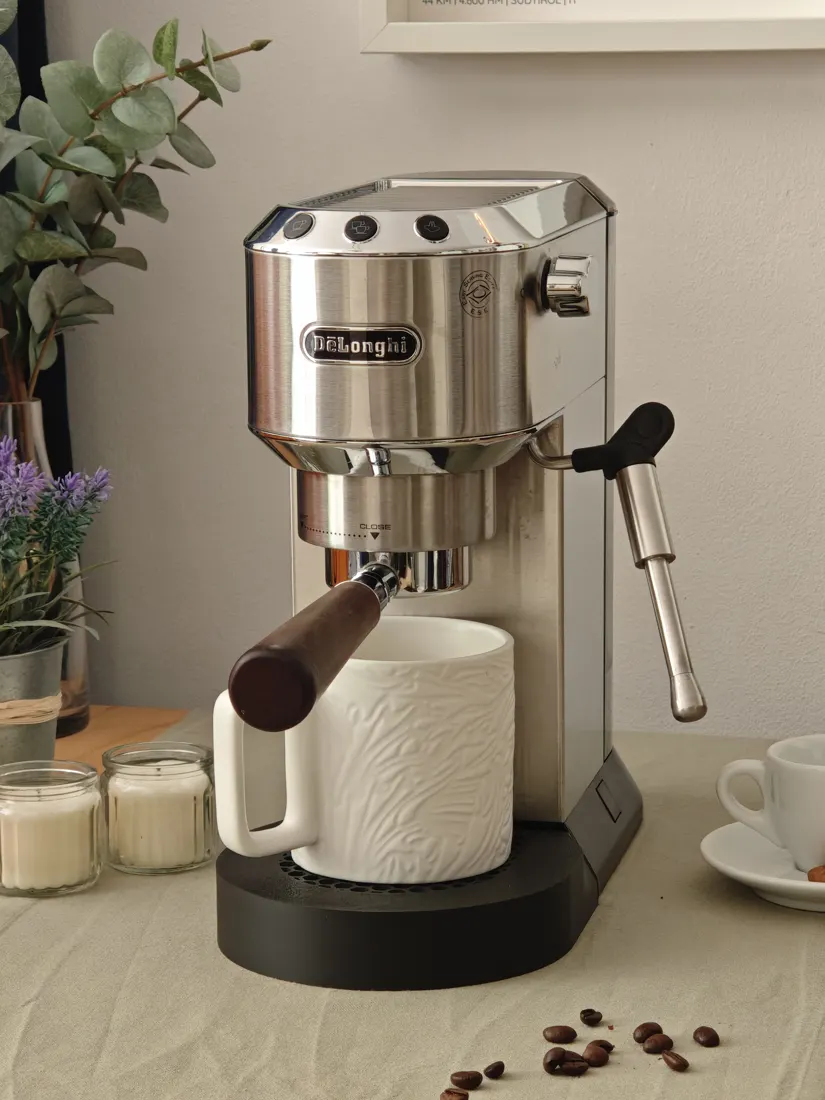
1. Dedica settings menu
The menu steps follow the instruction manual.[1]
Set the temperature
What is it for?
Too hot makes dark roasts bitter, too cool makes light roasts sour. The setting matches the machine to your beans.
Rule of thumb: Dark roast low, otherwise medium. High almost never, at most for a very light roast.[7]
How do I set it?
- Switch on. Wait until the lights stop flashing.
- Hold Steam for 10 seconds until the three buttons flash one after another.
- Press 1 cup. The lights that stay lit show the current setting.[△]
- Press the new setting:
- 1 cup low
- 2 cups medium
- Steam high
Set the water hardness
What is it for?
Tells the machine how much limescale is in your water. It then decides when to ask for descaling. The water itself doesn't change.
Rule of thumb: Your water supplier publishes the value, usually on its website.
How do I set it?
- Switch on. Wait until the lights stop flashing.
- Hold Steam for 10 seconds until the three buttons flash one after another.
- Press 2 cups.
- Press the hardness:
- 1 cup soft
- 2 cups medium
- Steam hard
The manual doesn't give the limits in °.
Set the auto-off time
What is it for?
The Dedica switches itself off after a while. A short time saves power. A long one saves you reheating when you make a second coffee later.
How do I set it?
- Switch on. Wait until the lights stop flashing.
- Hold Steam for 10 seconds until the three buttons flash one after another.
- Press Steam.
- Press the time:
- 1 cup 9 min
- 2 cups 30 min
- Steam 3 hrs
Machines with EX4 on the rating plate: 5 min, 90 min, 3 hrs.[1] There's no “never” setting.
Set the water amount
What is it for?
Sets how much espresso the button delivers. Once the amount is right, you get the same every time without standing there to stop it.
Rule of thumb: About twice as much espresso as ground coffee, around 32 g from 16 g. A scale shows you exactly.
How do I set it?
- Lock in the portafilter with coffee, cup underneath (ideally on a scale).
- Press and hold the button:
- 1 cup one cup, factory setting 35 ml (15 to 90 ml)[1]
- 2 cups two cups, factory setting 70 ml (30 to 180 ml)
- Release at the amount you want. Saved.
Which amount suits which dose: recipe in the dial-in guide.
Factory reset
What is it for?
Resets the menu and water amounts to factory settings. For when something has changed and you don't know what.
How do I set it?
- Switch on. Wait until the lights stop flashing.
- Swing the steam wand over the drip tray.
- Hold Steam for 10 seconds until the three buttons flash one after another.
- Turn the steam knob to steam.
- Press 1 cup.
- 1 cup 2 cups flash: close the steam knob.
Temperature on level 1, because I drink a dark roast. More on that in Dedica upgrades.
2. How to descale the Dedica
Steam flashes orange: the Dedica wants descaling. You need descaler, a container that holds about 1 litre and around 25 minutes. The procedure follows the instruction manual.[1]
What is it for?
Limescale builds up in the heating system. The coffee gets cooler, the steam weaker, and in the long run the machine suffers.
Rule of thumb: Don't let it keep flashing for weeks. Filtered water means less limescale. But it only asks less often if you also set the water hardness lower in the menu. If your espresso slowly gets more sour over weeks with nothing changed, go ahead and descale before it asks. With hard water, about every three months.[4]
Prepare
- Take the water filter out of the tank, if there is one.
- Portafilter out.
- Put a 1 litre container under the coffee spout and steam wand.
Descale
- Descaler into the tank, top up with water to MAX.
- Switch on. Wait until the lights stop flashing.
- Hold Steam for 10 seconds until the three buttons flash one after another.
- Turn the steam knob to steam.
- Press Steam. The programme starts.
- Wait until the tank is empty. Every minute, briefly close and reopen the steam knob so the solution also flushes the .[4]
Rinse (twice)
- Empty the container, rinse the tank, fresh water to MAX.
- Turn the steam knob to steam.
- Press Steam. Wait until the tank is empty.
- Rinse once more. If you had a filter in the tank, it goes back in now.
- 1 cup 2 cups flash, orange is off: done. Close the steam knob, fill the tank.
Orange light still flashing after descaling
- Really fill the tank to MAX.
- Repeat the rinse.
- If the power went off in between: start again from the beginning. Machines with EX4 carry on by themselves.
Flashes unusually often: water hardness set too high in the menu.
Which descaler?
| Product | For | Against |
|---|---|---|
| De'Longhi descaler | it's what the manual says.[1] Amount per the pack: 100 ml, the rest water up to MAX[3] | more expensive |
| Citric acid | cheap, dissolves limescale | De'Longhi only names its own descaler (warranty). When heated, it can react with limescale to form .[2] |
| Vinegar | nothing much | smells, not recommended[2] |
I've used both, citric acid and the De'Longhi descaler that Aldi sells. Both worked for me. Because I use Brita-filtered water, it only asks me every few months.
Filtered water helps against limescale, and the coffee tastes better with it too.
And yes, mine has also flashed orange again shortly after descaling.
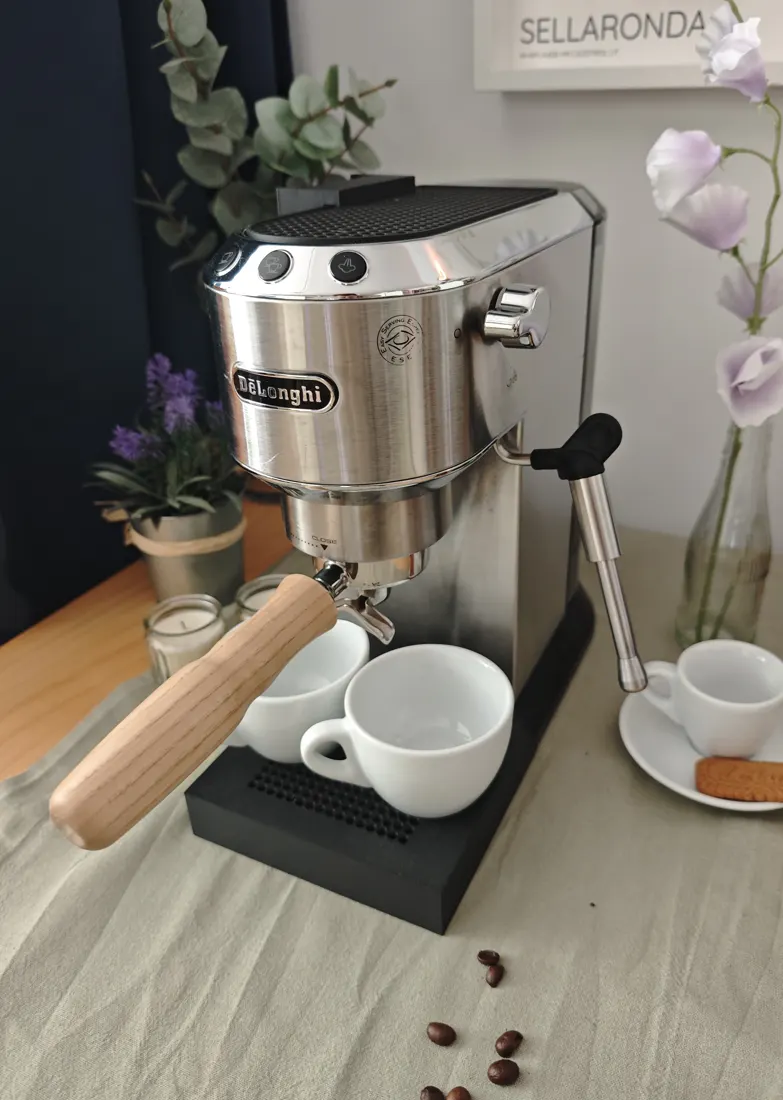
3. How to clean the Dedica
One minute a day, more thoroughly once a week.[5]
What is it for?
Coffee residue in the basket, portafilter and machine goes rancid and adds bitterness. The stock portafilter has lots of corners where coffee gets stuck.
Rule of thumb: Rinse briefly after the last coffee, soak once a week.
Daily
- After the last coffee, take the portafilter out and run some water through.
- Hold the portafilter upside down under hot water, wipe it.
- Wipe the shower screen with a damp cloth.
Once a week
- Lever the basket out of the portafilter at the notch with a spoon or screwdriver.
- Soak the basket and portafilter, then scrub them.
- Switch off, unplug. Wipe the gasket in the group head with a damp cloth and your fingers. Grease comes off with washing-up liquid.
Watch out
- No backflushing with a . The Dedica has no , so the water has nowhere to go.[5]
- Run your hand over the basket rim every time before locking in. Otherwise grounds end up in the gasket.
- Only unscrew the shower screen every two to three months. The screw sits in plastic: only tighten it gently.
4. Dedica troubleshooting
What the flashing lights mean
| Light | Means | What to do |
|---|---|---|
| all three lights flash one after another | start-up, self-test | wait |
| 1 and 2 cups flash | heating up | wait until they stay lit |
| 1 and 2 cups flash after steaming | steam knob open or too hot | close the knob; or put a container under the wand, open the knob, let the pump stop by itself, close the knob. Then run one portion of water without coffee, or the next espresso will be too hot.[6] |
| lights flash quickly | tank empty or no coffee possible | fill the tank, seat it properly, then run hot water through the steam wand |
| steam button white | heating for steam (flashes), then ready | wait |
| steam button flashes orange | descale | section 2 |
| all lights flash briefly after pressing a button, no coffee | tank empty or not seated straight, basket blocked or limescale | check the tank, clean the basket, otherwise descale |
| all lights flash continuously, nothing works | fault | unplug, contact service |
Meaning of the lights according to the instruction manual.[1]
Coffee doesn't taste right
| You notice | Likely cause |
|---|---|
| sour, runs fast, pale crema | ground too coarse or too little coffee |
| bitter, runs slowly, dark crema | ground too fine or too much coffee |
| thin, watery | too much water: set a smaller water amount |
| no crema | old beans or wrong grind size |
| gets more sour over weeks, same settings | limescale in the heating system: descale[4] |
Grind size, dose and yield step by step: Dial in espresso on the Dedica.
Dedica not working properly
No coffee coming out, pump loud
- Fill the tank.
- Press the tank down firmly until it sits.
- Container under the steam wand, open the steam knob: let it run until water comes out again.
- Close the steam knob.
Basket stuck in the machine
- Lock the portafilter back in.
- Run some water through briefly.
- Remove it.
This happens because the Dedica has no 3-way valve. Waiting a minute after the shot helps.[△] Then twist it out slowly: there's still pressure on the basket.[7]
Portafilter leaking at the edge or twisting loose
- Turn it as far as it goes.
- Clean coffee grease off the gasket and the holder above it.
- Still no luck: have the gasket replaced.
Milk not frothing
- Ring on the to CAPPUCCINO.[1]
- Use milk straight from the fridge.[1]
- Before frothing, open the steam knob until no more water comes out, only steam.[6]
- Clear the nozzle holes with a needle.
- Still no luck: descale.
Between HOT MILK and CAPPUCCINO there's hardly any visible difference in the foam.[6]
- Portafilter won't go in: too much coffee in the basket.
- Drips after the shot: normal, leave the portafilter in for about a minute.[△]
- Water tank leaking: check that it's seated properly, otherwise replace the seal or the tank.
Too much or too little coffee, grind size off, tank empty, a part not seated properly, machine hasn't drawn water. It's almost always one of these.
Frequently asked questions
How do I change the temperature on the Dedica?
Hold the steam button for 10 seconds until the three buttons flash one after another, then press 1 cup. The lights that stay lit show the current setting. With 1 cup, 2 cups or steam you choose low, medium or high. Dark roast low, otherwise medium, high almost never. More on this: Set the temperature.
How do I set the water hardness on the Dedica?
Hold the steam button for 10 seconds, then press 2 cups and choose the hardness: 1 cup soft, 2 cups medium, steam hard. This doesn't change your water. It only sets how often the machine asks for descaling. More on this: Set the water hardness.
The Dedica switches off too soon: how do I change the auto-off time?
Hold the steam button for 10 seconds, then press steam and choose the time: 9 minutes, 30 minutes or 3 hours. Machines with EX4 on the rating plate have 5 minutes, 90 minutes and 3 hours. The auto-off can't be disabled completely. More on this: Set the auto-off time.
How do I set the water amount on the Dedica?
Lock in the portafilter with coffee, put a cup underneath, press and hold the 1 cup button and release it at the amount you want. The factory setting is 35 ml; the range is about 15 to 90 ml. It works the same way for two cups. More on this: Set the water amount.
How do I reset the Dedica to factory settings?
Steam wand over the drip tray, hold the steam button for 10 seconds, turn the steam knob to steam, press 1 cup. When 1 and 2 cups flash, close the steam knob. The menu and water amounts are then back to factory settings. More on this: Factory reset.
How do I descale a De'Longhi Dedica?
Descaler into the tank, fill with water to MAX, a 1 litre container under the coffee spout and steam wand. Hold the steam button for 10 seconds, steam knob to steam, press the steam button. Then rinse twice with fresh water up to MAX. Takes about 25 minutes. More on this: Descaling step by step.
Why is the steam button on my Dedica flashing orange?
Orange means: descale. How often it comes on depends on the water hardness setting. Filtered water means less limescale. But it only asks less often if you also set the water hardness lower in the menu. If the espresso gets more sour over weeks with nothing changed, limescale can be the cause even before the orange light. More on this: Descaling.
The Dedica orange light is still flashing after descaling, what now?
Usually the tank wasn't filled to MAX when rinsing. Repeat the rinse with a full tank. If the power went off in between, run the whole procedure again from the start. Machines with EX4 carry on by themselves after a power cut. More on this: Orange light still flashing.
Can I descale the Dedica with citric acid or vinegar?
De'Longhi only names its own descaler and points to the warranty. When heated, citric acid can react with limescale to form calcium citrate, which is why it's advised against. For me, both citric acid and the De'Longhi descaler worked. Vinegar is generally advised against. More on this: Which descaler?.
What do the flashing lights on the Dedica mean?
If 1 and 2 cups flash, it's heating up. If the lights flash quickly, the tank is usually empty or not seated properly. Orange on the steam button means descale. If all lights flash briefly after pressing a button and no coffee comes: check the tank, basket or limescale. If all lights flash continuously and nothing works: unplug it and contact service. More on this: What the lights mean.
The Dedica pump is loud and no coffee comes out, what now?
Usually the tank is empty, not seated properly or there's air in the system. Fill the tank, press it down firmly, then put a container under the steam wand and open the steam knob until water comes out again. More on this: No coffee, pump loud.
Why does the basket get stuck in the Dedica?
The Dedica has no 3-way valve, so the basket sticks after the shot. Lock the portafilter back in, run some water through briefly, remove it. To prevent it: wait about a minute after the shot, then twist it out slowly. More on this: Basket stuck in the machine.
The Dedica portafilter leaks at the edge or twists loose, what now?
Turn the portafilter as far as it goes and clean coffee grease off the gasket and the holder above it. If that doesn't help, the gasket is worn and needs replacing. More on this: Portafilter leaking.
How do I clean the De'Longhi Dedica?
Every day after the last coffee, run some water without the portafilter, rinse the portafilter with hot water and wipe the shower screen. Once a week, lever the basket out of the portafilter and soak both. Backflushing with a blind basket doesn't work, the Dedica has no 3-way valve for it. More on this: Dedica cleaning.
The Dedica won't froth milk, what now?
Set the ring on the panarello to CAPPUCCINO and use milk straight from the fridge. Before frothing, open the steam knob until only steam comes out, then clear the nozzle holes with a needle. If there's too little steam overall: descale. More on this: Milk not frothing.
Every upgrade only pays off once grind size, dose, yield and time match. How to dial in your espresso
Sources
Numbers and operating steps carry a small number in the text. Click it to jump to the source.
- De'Longhi, Dedica EC685/EC695/EC785 instruction manual (PDF, in German), German edition 06/2026: menu, auto-off times (with a footnote on the EX4 machines), water amount, factory reset, descaling, indicator lights, troubleshooting, milk not frothing (ring, cold milk).
- Kaffeemacher, DeLonghi Dedica descaling, 2025: when heated, citric acid can react with limescale to form calcium citrate; vinegar isn't a good idea.
- De'Longhi, EcoDecalk descaler (product page, in German): 100 ml per descaling cycle.
- Kaffeemacher (YouTube), “Besserer Espresso dank Entkalkung - So geht's! [Delonghi Dedica Reihe 4/5]” (in German), 2025: descaling before the prompt, interval with hard water, closing the steam knob in between.
- Kaffeemacher (YouTube), “DeLonghi Dedica reinigen - Einfache Schritt-für-Schritt-Anleitung [Reihe 5/5]” (in German), 2025: daily and weekly cleaning, no backflushing, screw on the shower screen.
- Kaffeemacher (YouTube), “DeLonghi Dedica EC 685 - Espressomaschine unter 200 €, schmeckt der Espresso?” (in German), 2019: over 100 °C at the spout right after steaming, ring on the panarello, purging before frothing.
- Kaffeemacher (YouTube), “So machst du guten Espresso mit der Delonghi Dedica [Reihe 3/5]” (in German), 2023: recommendation on the temperature settings, residual pressure when removing the portafilter.
- De'Longhi, Instructions Dedica EC885 (PDF, US edition), 04/2025: same buttons, water amounts and menus as the EC685.
- My own experience, Max Fraunhofer, Dedica EC685 in daily use for years. Marked as “How I do it”.

You can get my parts here in the shop and on Etsy.